
Satire — a fictional cybersecurity column by Tonald Dump. The boasts below are parody, not real presidential statements. The technical checklist at the end is practical guidance.
I have made browsers great again. People said it could not be done. Very technical people. People with small keyboards and enormous concerns. I looked at the browser, I looked at the threats, and I made the most important security decision in history: I put my name on it.
Tonald Secure. Beautiful name. Already more secure in the presentation. The old browser had a version number. Mine has a brand. You cannot buy that kind of protection, although we are preparing a licensing arrangement.
The greatest browser updates in history
My engineers brought me a report about ChromeOS updates. Apparently Google released a Stable-channel update on October 20. New operating-system build, new browser build, security fixes. A lot of numbers. I asked why they had not simply called it the Tonald Victory Edition.
They said version numbers help administrators identify the software actually running. Incredible. I had already identified the software: mine. They wanted to identify it again, technically. You have to admire their dedication to paperwork.
I told them to replace every red warning with a gold warning. Gold means quality. They said a gold warning still means the device needs updating. Very negative people when you get them near a dashboard.
I renamed Zero Trust. Problem solved.
The next slide said Zero Trust. Zero. What a terrible number. Who approves these things? I renamed it Total Trust in Tonald. One hundred percent. Immediate improvement. The largest numerical improvement any security architecture has ever seen.
A security engineer said access should still be verified for every relevant request. Identity, device state, privileges. I said my identity was on the podium. She asked whether the podium had completed device compliance.
We are replacing the podium.
The restart was trying to steal my victory
Then came the restart controversy. The update had downloaded, but the engineer said the old code could still be running. I pointed to the green download icon. Green. The color of success. She pointed to the active version.
These people will not let you enjoy a download.
I proposed a ceremonial restart. Cameras, ribbon, tremendous applause. They said the other devices needed restarting too. The laptops in the cupboards. The shared workstations. The machine in the meeting room that nobody admits owning. Apparently national browser security includes the meeting-room machine.
That machine has been disloyal for years.
Long-term support is not lifelong immunity
Someone mentioned the ChromeOS long-term support channel. Finally, a channel with the right attitude. Stable. Loyal. Patient. I said we should put everything on it and stop discussing patches until the next election.
The engineer explained that a slower feature cadence does not cancel security fixes. Google documents continuing security updates for LTS devices. She also wanted to check channel policy, supported hardware, and what was actually deployed.
I asked whether she had considered how good the devices looked with the new sticker.
She had. The sticker was not in her risk model.
I protected everyone. The logs were being difficult.
By lunchtime I had protected every browser in the organization. I announced it personally. Unfortunately, the inventory team had not finished counting them. They found a second installation, an old deployment image, and several machines that had not checked in.
I instructed them to remove those machines from the report. Cleaner numbers. They said that would improve the report without improving security. Sometimes I wonder whether they understand reporting.
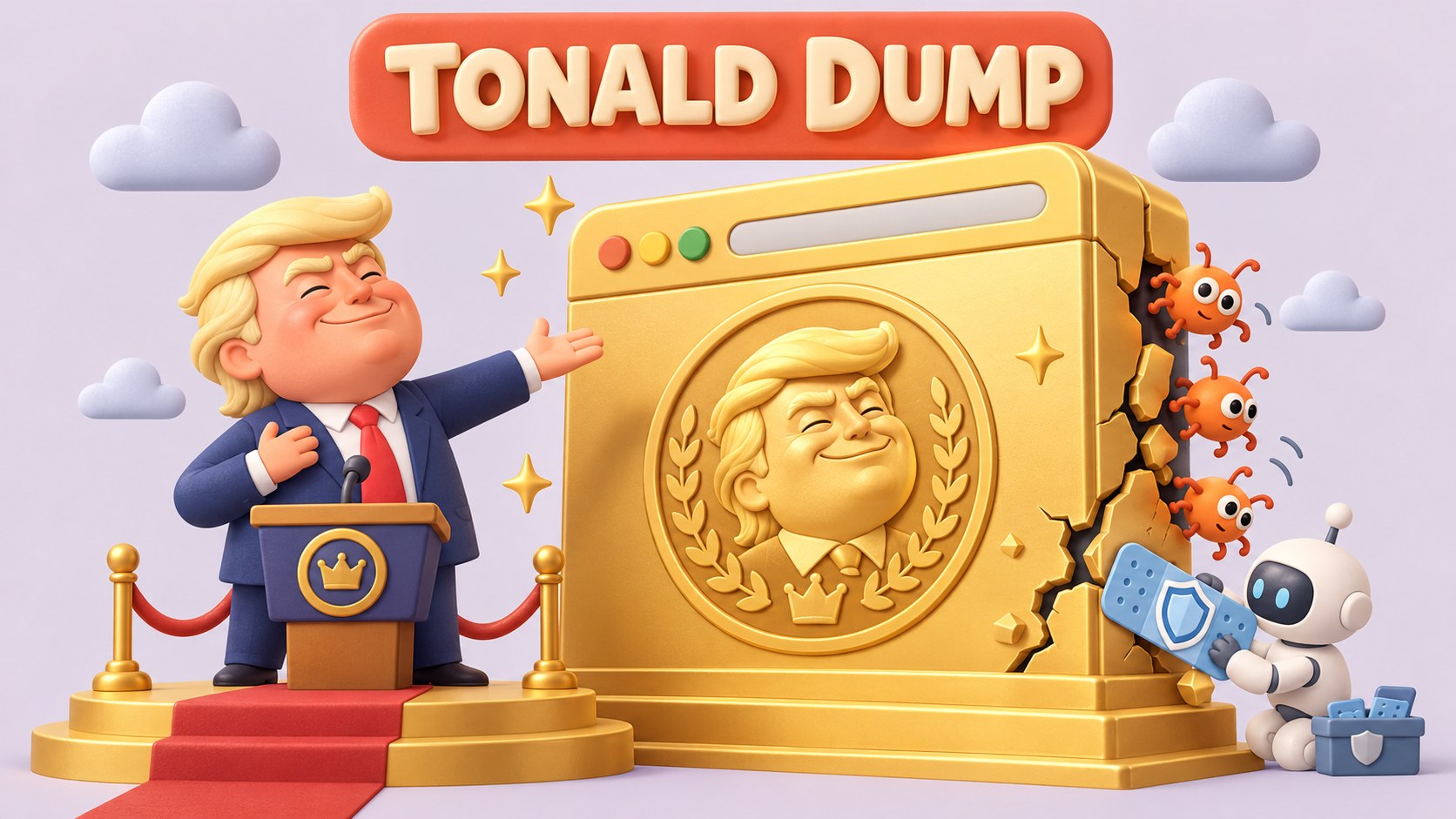
One of them quietly finished the updates while I was unveiling the golden browser monument. Excellent teamwork. I took full responsibility for their success.
What actually protects your browser fleet
The parody ends here. Google’s October 20 ChromeOS Stable release identifies the applicable ChromeOS and browser builds. Its ChromeOS LTS documentation explains the difference between feature cadence and continuing security maintenance. Desktop Chrome, ChromeOS, and their release channels should be tracked separately.
- Inventory the browsers, operating systems, channels, and devices actually in use.
- Select the current supported target for each platform and channel.
- Install updates and complete the required relaunch or restart.
- Verify the running build and test essential applications.
- Keep offline devices, failed updates, and exceptions visible with an owner and deadline.
A renamed browser, an impressive dashboard, and a triumphant announcement cannot replace those checks. Even when the announcement is the greatest announcement anyone has ever heard.