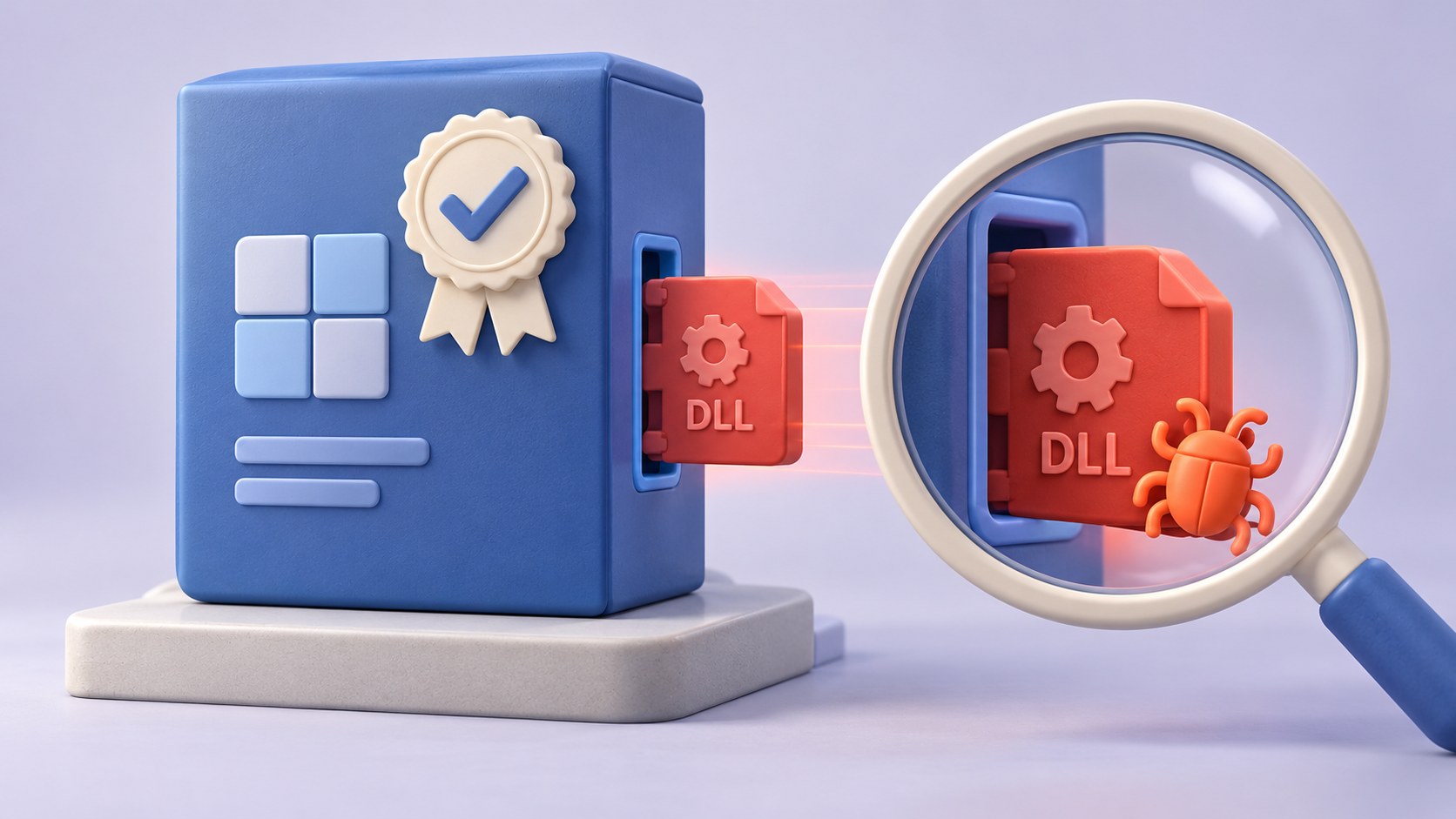

Siemens Software Center DLL sideloading illustrates a simple security distinction: trusting a signed program does not mean trusting every file it loads. Siemens confirmed active exploitation of CVE-2026-110936 and published remediation for affected Software Center versions. Defenders should inventory application copies and investigate their execution context, rather than treating a familiar publisher name as the end of the analysis.
Think of a signed executable as a verified delivery driver. Its identity may be genuine, but that does not prove every parcel placed beside the vehicle belongs to the sender. The defensive question is what the executable loads, from where, and with whose privileges.
What the Siemens advisory establishes
SSA-580366 identifies affected Software Center versions below 4.0.9.8 and recommends 4.0.9.8 or later. The vulnerability concerns an uncontrolled DLL search path and execution with the application’s privileges. The advisory’s attack vector is local and requires high privileges; it should not be described as an unauthenticated internet exploit.
In its October 19 exploitation notice, Siemens described genuine signed software used alongside attacker-supplied DLLs. It said the Siemens executable was not modified and did not report a breach of its update channel. Those distinctions matter when explaining the incident to engineering and management teams.
Inventory copies, not only installed products
Begin with the normal Software Center estate, then look for unexpected copies launched from downloads, temporary locations, extracted archives, and user-writable directories. Record executable path, version, signature, parent process, associated files, executing account, and first observed activity.
An application-inventory report may find a maintained installation while missing a separate old executable used as a carrier. Conversely, a suspicious directory name alone does not establish malicious execution. Correlate file presence with process and module-loading evidence.
Review the local trust boundary
Determine who could write to the directory from which the program ran and whether the launch used elevated privileges. Compare loaded libraries with a trusted baseline. Prioritize unexpected DLLs next to a signed program, unusual launch ancestry, unexplained persistence, and outbound activity that has no business purpose.
Do not turn this into a rule that every unsigned DLL is malicious or every signed DLL is safe. Legitimate applications can use unsigned components, and attackers can abuse trusted signatures. The decision needs several signals and the product owner’s understanding of normal behavior.
Update without erasing the investigation
Use the vendor’s supported update mechanism and verify the resulting running version. Do not rely solely on the expectation that the next launch will auto-update. Include offline engineering workstations, packaged deployment images, and application copies retained for recovery.
If compromise is suspected, preserve the relevant files and telemetry before cleanup. Updating a legitimate installation can address the vulnerable product version without explaining a malicious directory elsewhere. Restoration of trust may require endpoint isolation, a clean rebuild, and review of credentials accessible in that execution context.
Keep industrial impact claims proportionate
Software Center is endpoint software. Its presence in an engineering environment does not establish that a PLC was exploited, a control network was reached, or a production process was changed. Map those possibilities through actual access paths and evidence.
Ask whether the endpoint could reach engineering repositories, device-management interfaces, deployment shares, or privileged credentials. That map determines response scope. It also helps avoid two opposite mistakes: dismissing a signed utility as harmless, or describing an endpoint finding as a confirmed industrial-control compromise.
Siemens Software Center response checklist
- Verify every relevant installation and copied executable.
- Update affected Software Center versions through a trusted path.
- Review launch locations, permissions, module loads, and parent processes.
- Investigate suspicious endpoints before declaring recovery complete.
- Separate confirmed endpoint activity from unproven downstream impact.
The lasting lesson is to evaluate a chain of trust decisions. Publisher identity is one link. Search paths, writable directories, execution privileges, and observed behavior are the others. A strong endpoint investigation tests the whole chain.